Neo Beauty Studio v2.7.27 Guide
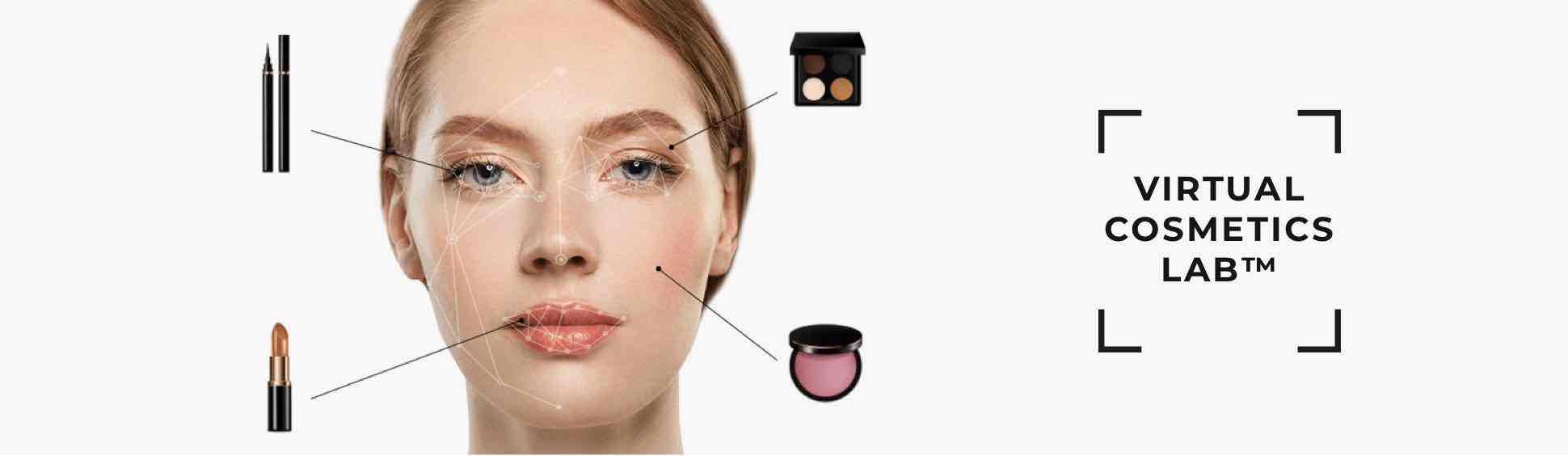
Welcome to the Neo Beauty Studio documentation. This guide offers technical insights on setting up and configuring Neo Beauty Studio, the revolutionary in-browser augmented reality makeup try-on platform.
Ready to Dive In? 🚀
Start your journey by setting up Neo Beauty Studio. Get Started Now
Neo Beauty Studio: An Introduction
Neo Beauty Studio introduces users to a novel way of experiencing makeup — virtually! Utilizing state-of-the-art computer vision and machine learning, it tracks facial movements to provide a lifelike makeup overlay.
Key Features and Benefits:
-
Instant Browser Access: No downloads. Everything happens directly on your brand's webpage or mobile web app.
-
User Privacy at the Forefront: Processing happens in-browser, ensuring no personal data is stored or sent elsewhere. Experience augmented reality securely.
-
Realistic Try-On: Users get a real-time glimpse of how makeup products radiate on their face, eliminating the guesswork and the need for physical trials.
-
Always Available: Being hosted on a brand's website, Neo Beauty Studio offers users the luxury of trying out products anytime, anywhere.
-
Boosted Engagement: A fun, interactive makeup session leads to enhanced user interaction and longer website visits.
How Does Neo Beauty Studio Work?
Neo Beauty Studio employs high-end computer vision and machine learning for facial mapping and tracking. It then instantaneously projects the selected makeup, showing users their transformed look.
With the entire process housed within the browser, users don't need extra software installations. This approach ensures optimum accessibility, user-friendliness, and data protection.
Privacy and security form the bedrock of Neo Beauty Studio. All data processing is localized to the user's browser, with no information relayed to external servers. User data stays personal and protected.
Try It Out!
Eager to witness the magic of Neo Beauty Studio? Head over to our Demo Try Me! section. Experiment with diverse makeup options and watch them come to life on your face.